


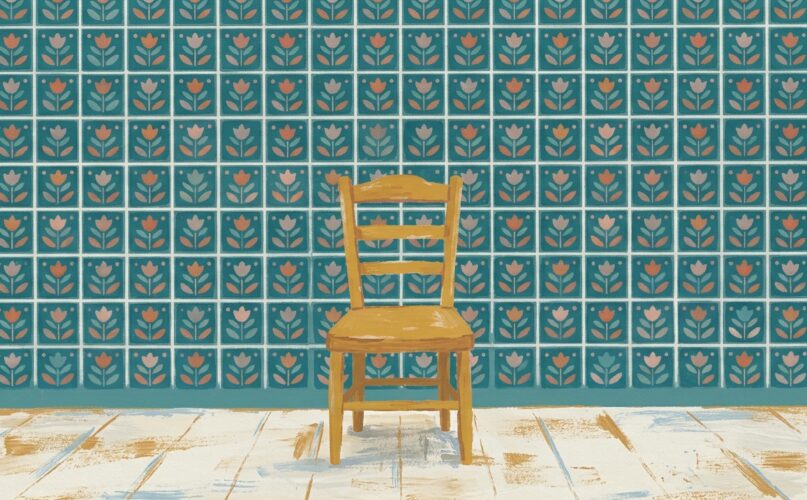
Generating one great image is easy. Generating fifty that look like they belong to the same brand is where most projects fall apart. Colors drift, lighting changes and the illustration style wanders. The style prompts in our image library are built to prevent exactly that.
The approach has three parts: a fixed style block, a small reference set and a review routine. It builds on the basics from our post on aspect ratios and negative prompts, so start there if you haven’t.
Self-hosted Audio
Here is how we write a reusable context brief: a few paragraphs about the project that go at the top of every coding prompt. It is the same idea as the reusable persona, just for your codebase.
Soundcloud
Separate the subject from the style
Most inconsistency comes from rewriting the whole prompt for every image. Instead, split it in two: a subject that changes and a style block that never does.
Subject: {{subject}}

Style: flat vector illustration, soft grain texture, limited
palette of deep teal, warm sand and off-white, rounded shapes,
no outlines, gentle top-left lighting, generous negative space,
centered composition.
Write the style block once, test it on five very different subjects and lock it. From then on, only the subject line changes.
Build a small reference set
Pick the three to five best results from your tests and keep them as your reference set. Many tools let you pass reference images alongside the prompt. Even when they don’t, the set is your yardstick for reviewing new images.
Write down the style, not just the prompt
- The exact color names or hex values you use.
- Lighting direction and mood.
- What is never allowed: gradients, outlines, photographic textures.
This turns “it looks off” into a specific, fixable note.
A simple review routine
- Generate images in batches of ten, not one at a time.
- Place each batch next to the reference set.
- Reject anything that breaks a written rule, even if it looks nice on its own.
- If more than two images in a batch fail the same rule, fix the style block, not the images.
Consistency is a decision you make once, then defend fifty times.
Brand designer
Save the style as part of the template
Once the style block works, store it in the prompt itself and expose only the subject as a variable. Anyone on the team can generate on-brand images without knowing the style rules by heart.